Your stream, at home and on the road.
You send one signal to FizzyPeak. Scenes, multistream, chat bot, fallback scene and clips are controlled in your browser.
Servers in Germany · closed beta · Starter is free

Works with Twitch · Kick · YouTube · TikTok · OBS · Moblin · Larix · Belabox · LiveU
Build your stream in the browser.
Arrange camera, text and widgets freely. Add the result to OBS, Moblin or Larix as a single browser source.
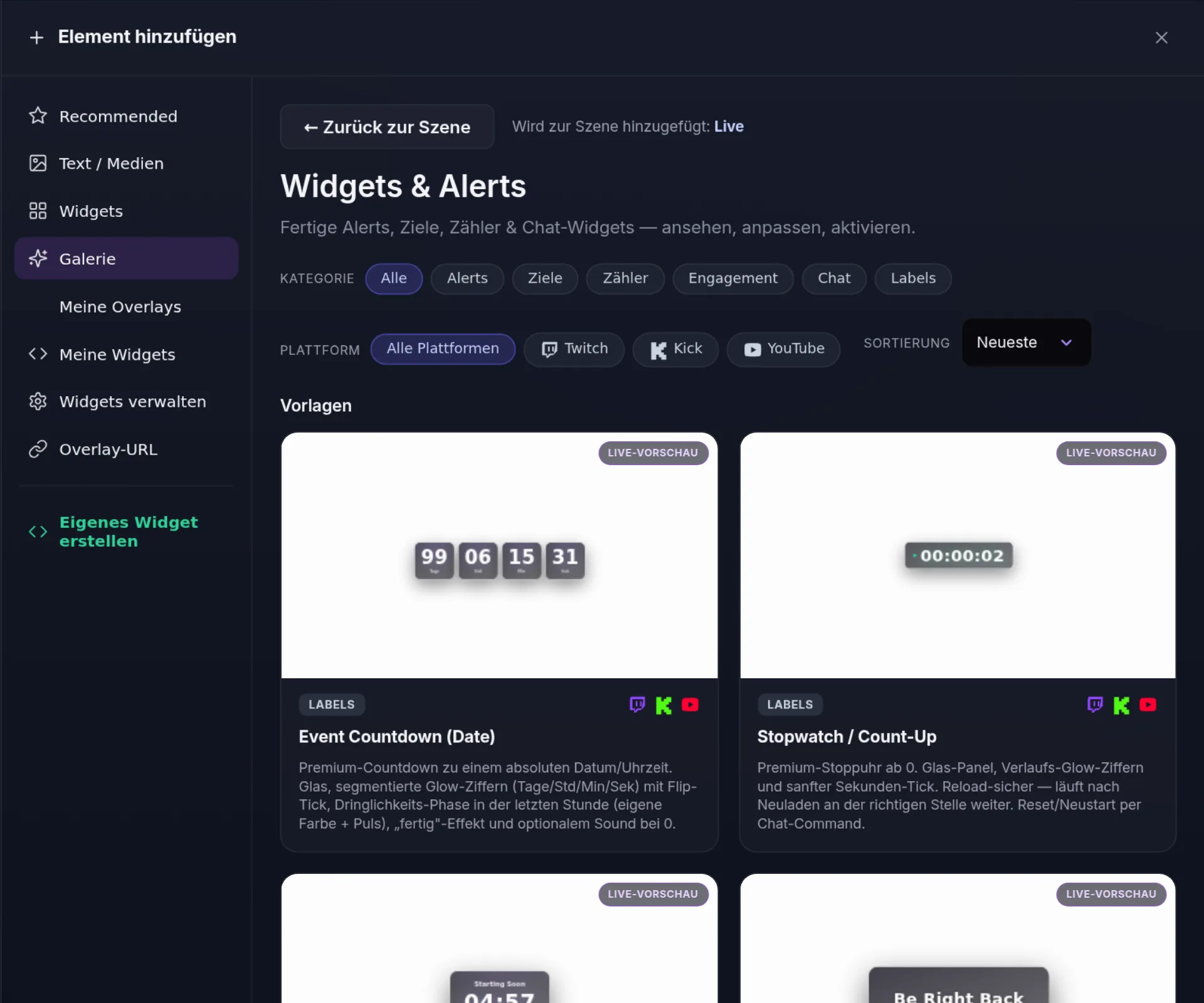
Widget gallery
Alerts, goals, counters, chat and labels as ready-made templates with live preview. If something is missing, write your own widget in HTML and CSS.
Cloud Studio
OBS runs on our server and you control the scenes in your browser. Included in IRL Pro+.
24/7 loop
Your recordings play around the clock on your channel until you go live yourself. From IRL Pro.

Multistream
One signal in, up to seven destinations out: Twitch, Kick, YouTube, TikTok with your own stream key and custom RTMP. Your mobile connection carries a single stream.
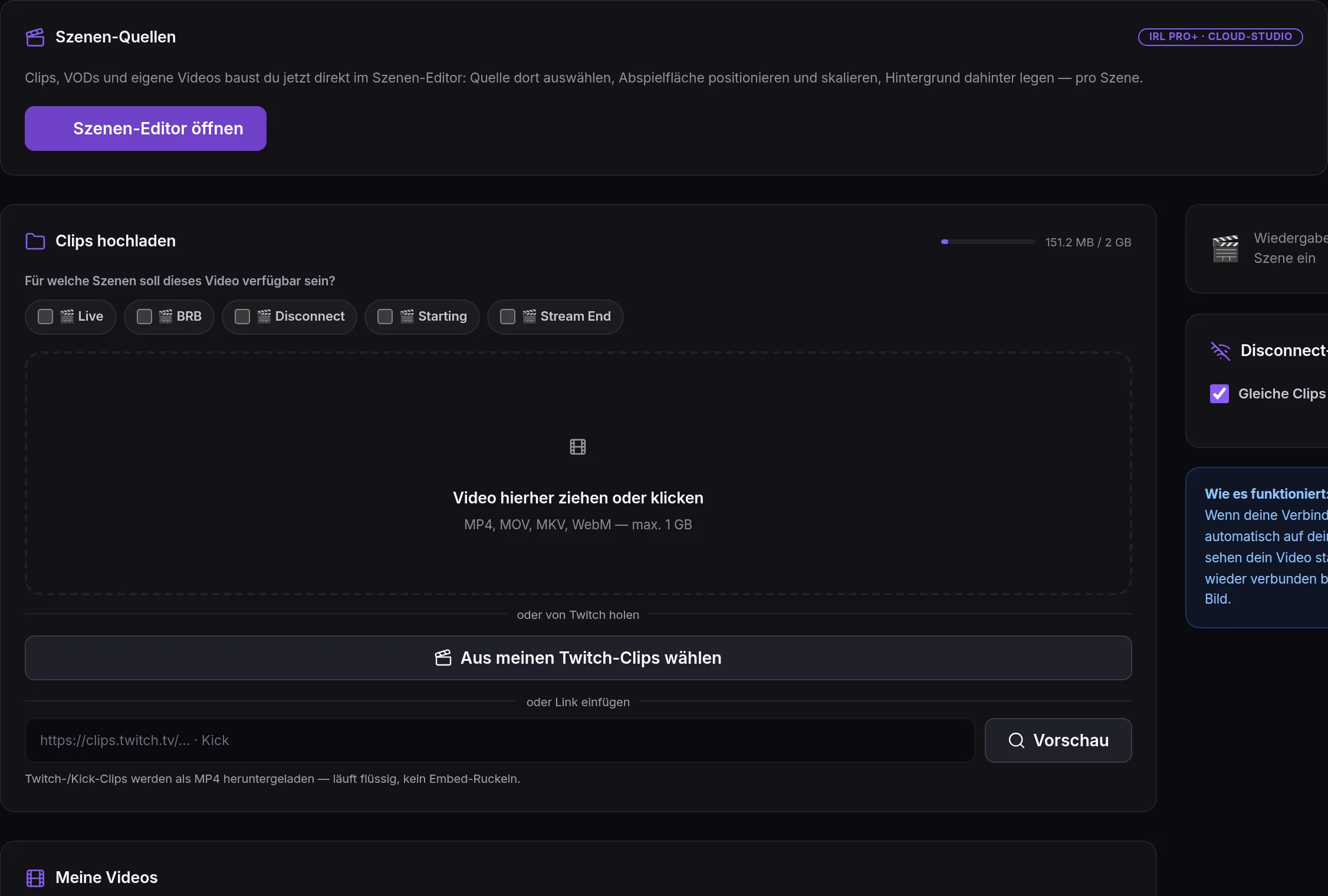
Fallback scene on disconnect
When your connection drops, your own videos or clips keep playing. The stream stays online instead of going black.
When the mobile network drops.
FizzyPeak measures where a problem starts. What is on our side, it repairs itself. What is on your connection or encoder, it names.
Incident log
Every incident with its measured cause and a jump into the recording, so you can listen to that moment.
!fix in chat
You or your mods type !fix and FizzyPeak rebuilds the scene. Your phone stays in your pocket.
Scene switching by signal
On low bitrate or a drop, the scene switches to Low or Disconnect and back again on its own.

At home, your PC streams only once.
Local multistream starts a separate encoder for every destination. With FizzyPeak, OBS sends one stream and we distribute it.
- One encoder instead of one per platform
- Upload for one stream instead of every destination
- Recording, chat bot and AutoMod run on our servers
Your chat keeps running while you stream.
The bot works on Twitch, Kick and YouTube. On the road it moderates for you, at home it replaces plugins.

AutoMod
Detects spam and seller bots and logs every action so you can follow it.
Commands
Custom chat commands with variables, cooldowns and permissions.
Timers
Recurring messages that only fire after enough new chat lines.
Giveaways
Entry by keyword, with follower, sub and VIP conditions.
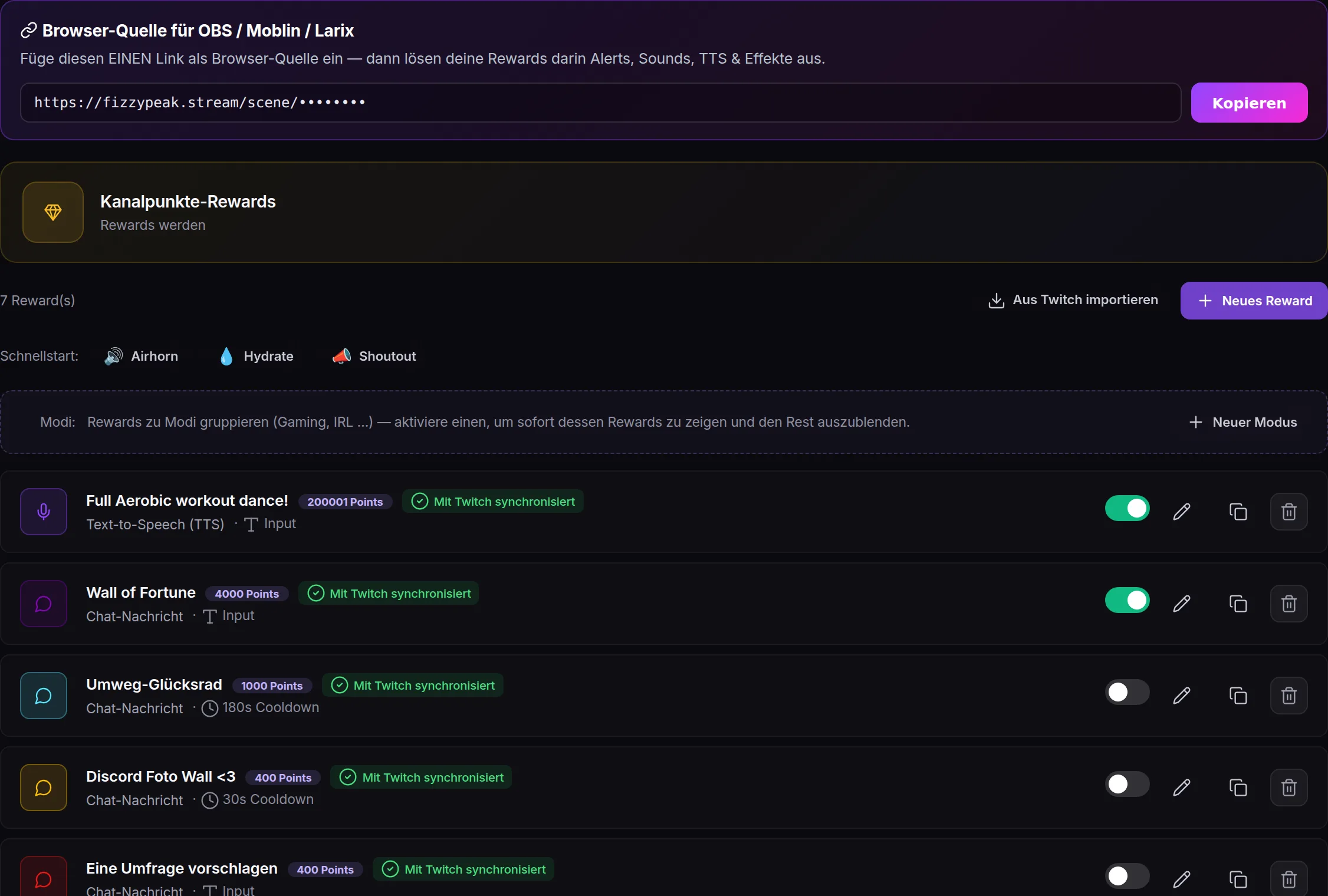
Channel points
Rewards trigger an image, sound, video or text-to-speech on stream, grouped into modes like gaming or IRL.
Song requests Beta
Viewers request YouTube videos and your mods approve them.
Tips Beta
Donations with an on-stream alert, without a third-party service.
Subathon Beta
A countdown that extends with subs, bits and tips.
After the stream.
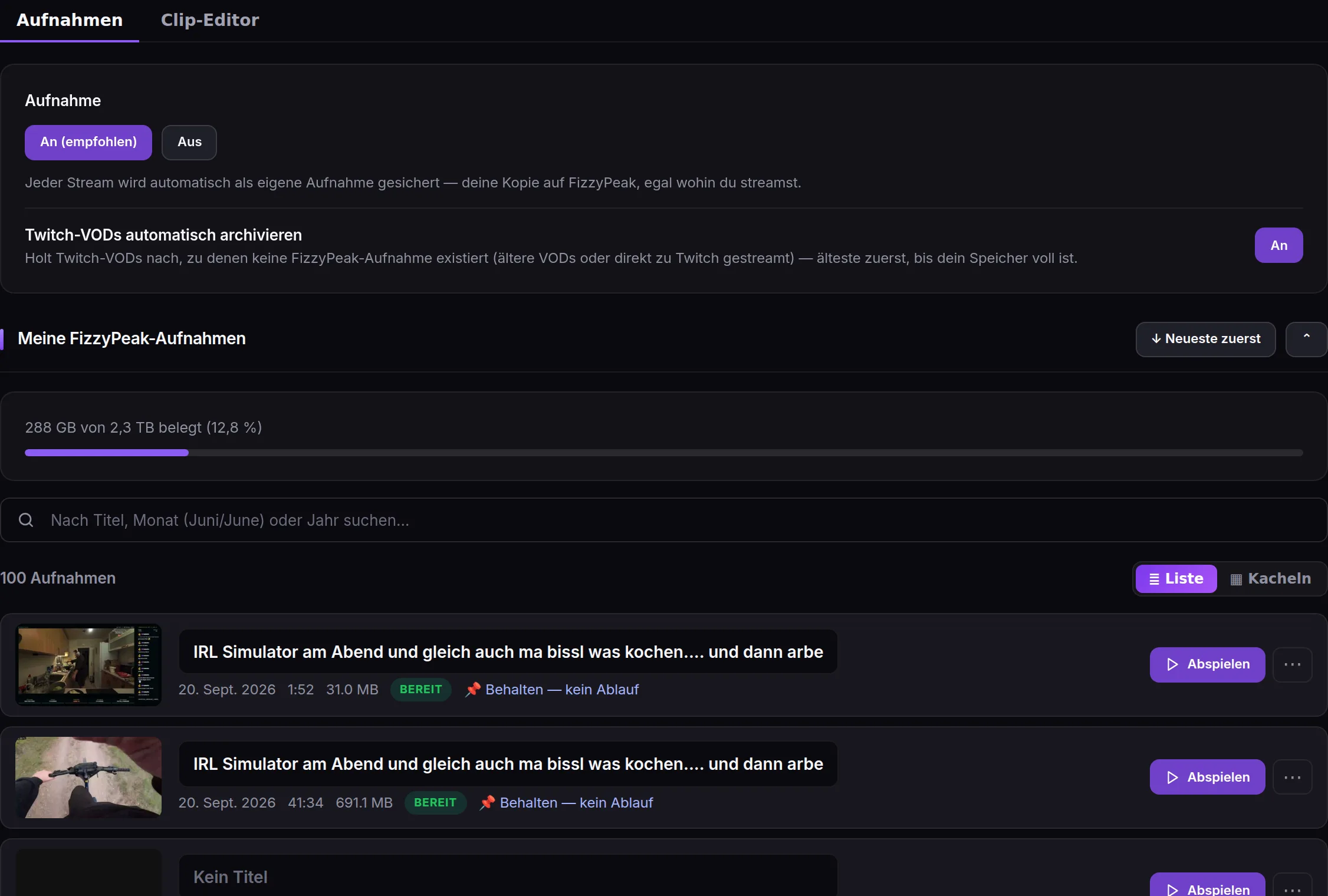
Every stream is saved automatically as your own recording, wherever you stream to. Cut clips from it without opening an editing program.
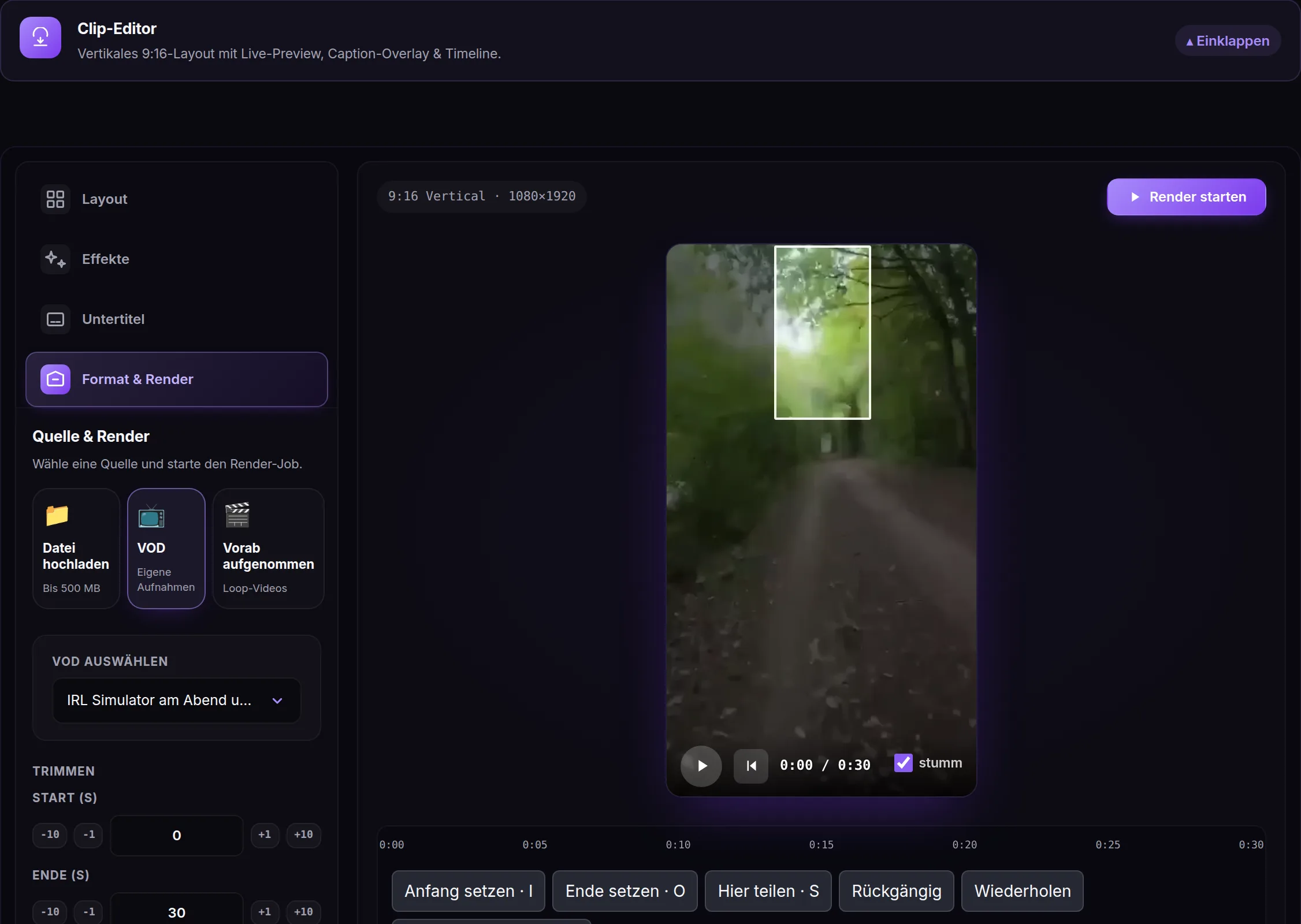
Clip editor Beta
Cut several moments, generate captions and export as 9:16 for TikTok and Shorts.
Recordings
Your streams as recordings, searchable and shareable.
Insights Beta
Viewer history, chat activity and incidents per stream.
Creator Archive
A separate add-on with 2 TB: buy it on its own, even without a streaming plan, or add it to any plan. Your VODs are stored there automatically. The plans themselves include much less storage.
Simple. Fair. No surprises.
Four streaming plans plus a standalone 2 TB VOD archive. Upgrade or downgrade anytime. Prices excl. VAT.
Starter
Test your setup risk-free — before you actually go live
- Stream tester with live preview (instantly see if your setup works)
- SRT, RTMP & WHIP ingest (straight from the browser) — test UDP blocks in hotel/corporate networks too
- Live health telemetry (bitrate & connection status in real time)
- 1 streaming destination (Twitch, Kick or YouTube)
- 45 minutes of test streaming per day — enough to verify your setup
Creator
Phone or PC in, the cloud does the rest
- Anti-disconnect: BRB loop on signal loss, auto-reconnect on short drops
- Up to 3 streaming destinations at once (Twitch, YouTube, Kick, TikTok*, Facebook, Trovo, Rumble, Custom RTMP) — *TikTok with your own TikTok stream key
- Scene editor with Live & BRB scenes, unlimited overlays & custom widgets (your own HTML/CSS/JS) — drop your whole scene into OBS, Moblin or Larix with one link
- Chat bot: commands, timers, counters, giveaways, auto-thanks for follow/sub/raid
- Unified chat merge (Twitch + Kick + YouTube in one log)
IRL Pro
For serious IRL streamers
- SRTLA bonding ingest for Belabox, LiveU & co. (multi-modem)
- 24/7 Loop: stream VODs around the clock — from a playlist or your entire recording archive, with automatic [Rerun] titles incl. stream date
- Low-signal & disconnect stages with adjustable bitrate/RTT thresholds
- Twitch VOD archive: save VODs permanently before Twitch deletes them — manually or fully automatic after every stream
- 100 GB video storage (recordings + archive + loop)
IRL Pro+
For pros & 24/7
- Cloud OBS Studio included (browser-based cloud encoder, no local PC needed)
- NOALBS 3-stage scene switch right in OBS (Live → Low → Disconnect)
- 9:16 vertical format for TikTok — switchable per destination, alongside your 16:9 streams
- Custom scenes: Starting, Stream End + up to 20 custom scenes
- 250 GB video storage — enough archive for a real 24/7 channel (~160 hours)
Creator Archive
A separate product with 2 TB of storage: buy it on its own, even without a streaming plan, or add it to any plan. Your VODs are stored there automatically.
Each plan shows its five most important points. Every detail is in the full comparison.
What's in every plan?
Complete feature list across all 4 plans
Show full comparison
Everything you need to know.
Everything you want to know before signing up.
Does it work with my Belabox / LiveU?
Do I need Windows / RDP / Remote Desktop?
Is moderation included? Any extra costs?
Can I stream 24/7?
Coming from another setup. How do I migrate?
What happens if I cancel?
Do I really not need a gaming PC?
Only if you want cloud-side OBS Studio with plugins (e.g. for VST filters or special source combos) do you need IRL Pro+ (€37/month) — there the Cloud-OBS Studio is included.
Are your servers in Europe? Is FizzyPeak GDPR-compliant?
Try it with your own setup.
Apply for beta access on Discord and tell us how you stream.